Tasks have real constraints
Plan work with duration, priority, deadlines, recurrence, and named weekly schedules.
 NovaPro
by Intellifeed.ai
NovaPro
by Intellifeed.ai

Intelligent calendar-first planning
Plan the day you can actually live. NovaPro turns tasks, schedules, deadlines, recurring work, and calendar events into a realistic day plan.
NovaPro for macOS
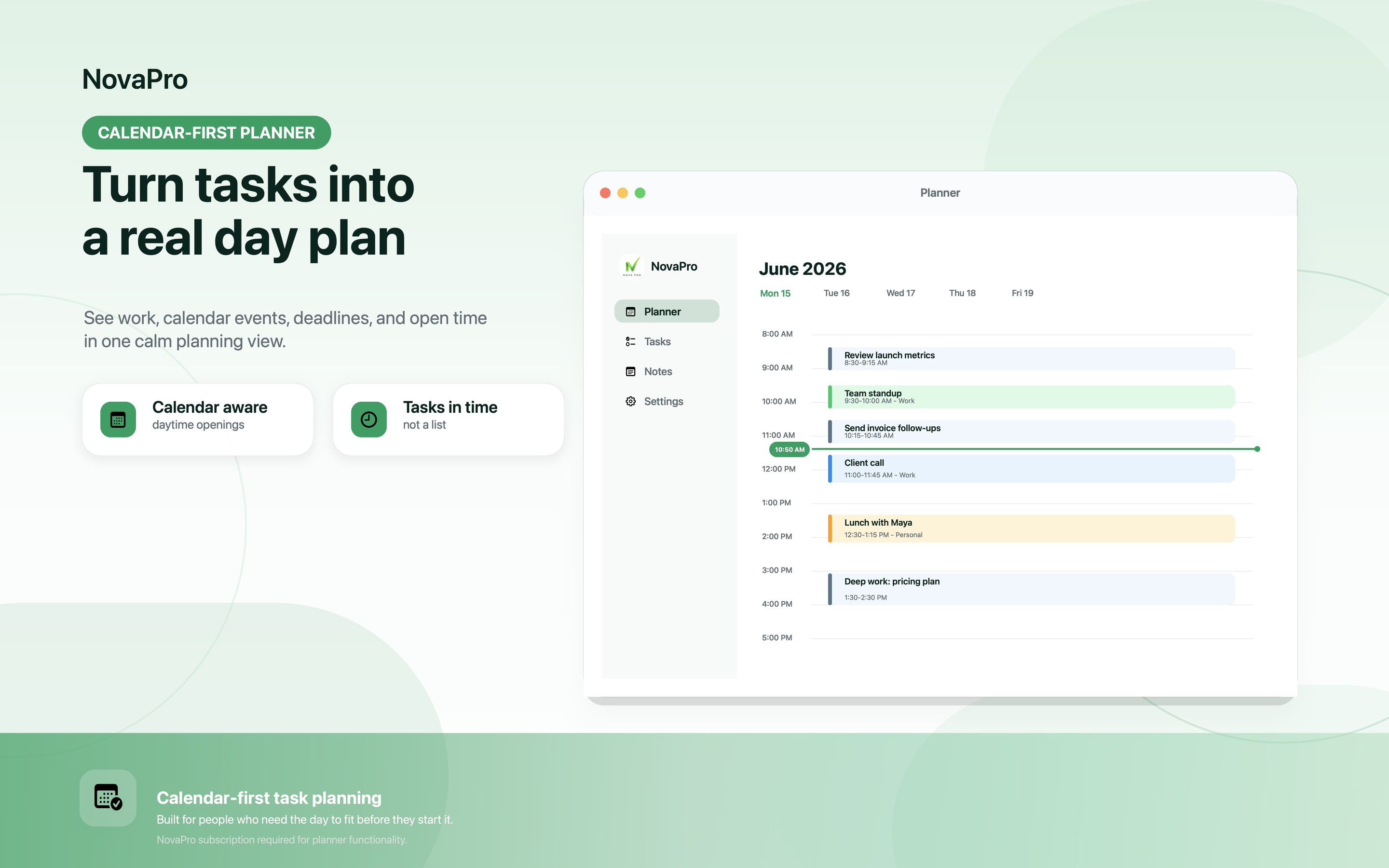
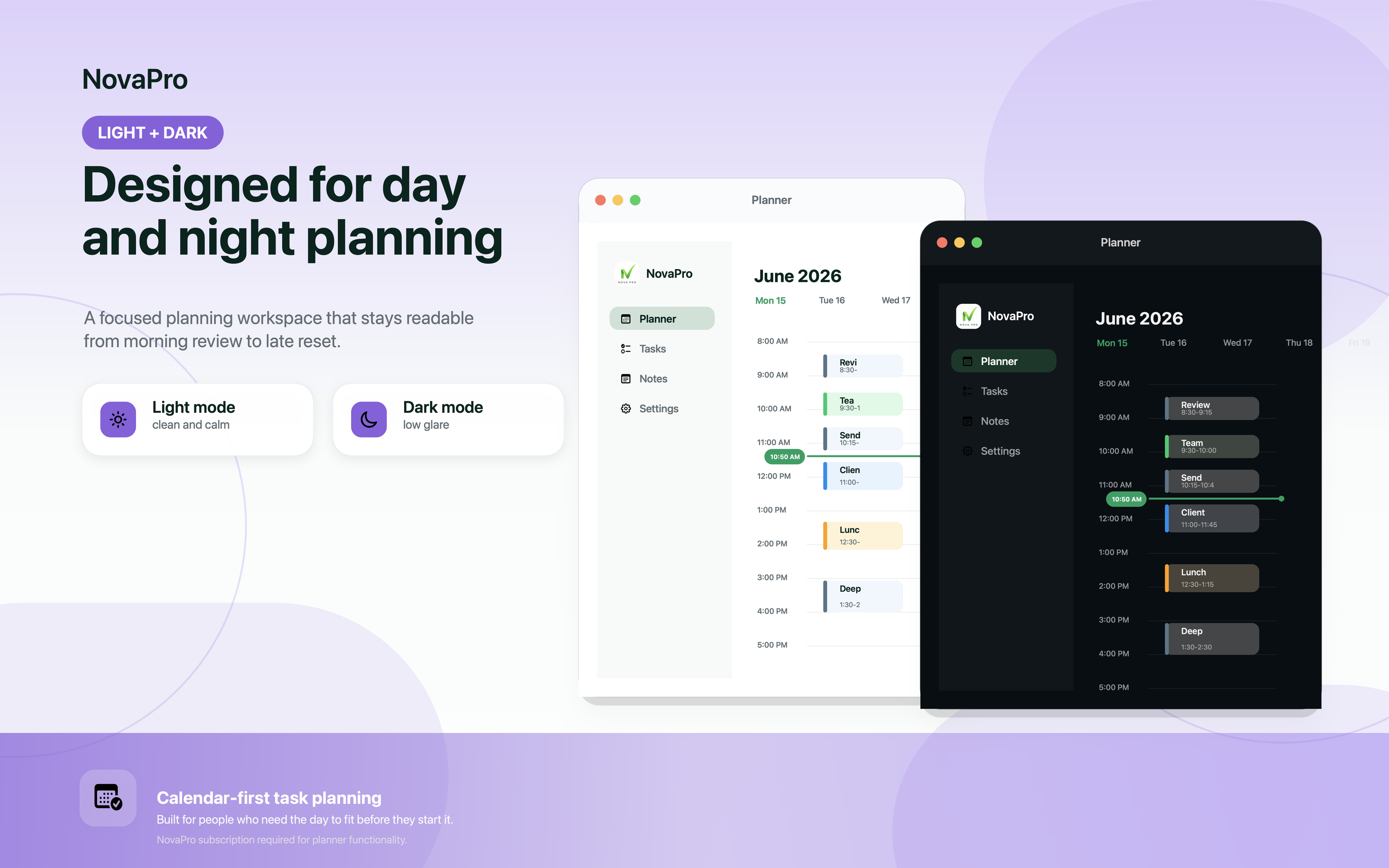
The macOS app gives calendar events, scheduled tasks, deadlines, and open time enough room to breathe. Use it to build tomorrow's plan, review conflicts, and keep priority work visible while your day moves.
Built for real days
NovaPro brings tasks and calendar events into the same day timeline, so you can see what fits before your day starts. Add duration, priority, deadlines, recurrence, and schedule windows, then let NovaPro shape a plan around the commitments already on your Apple devices.


Product surfaces
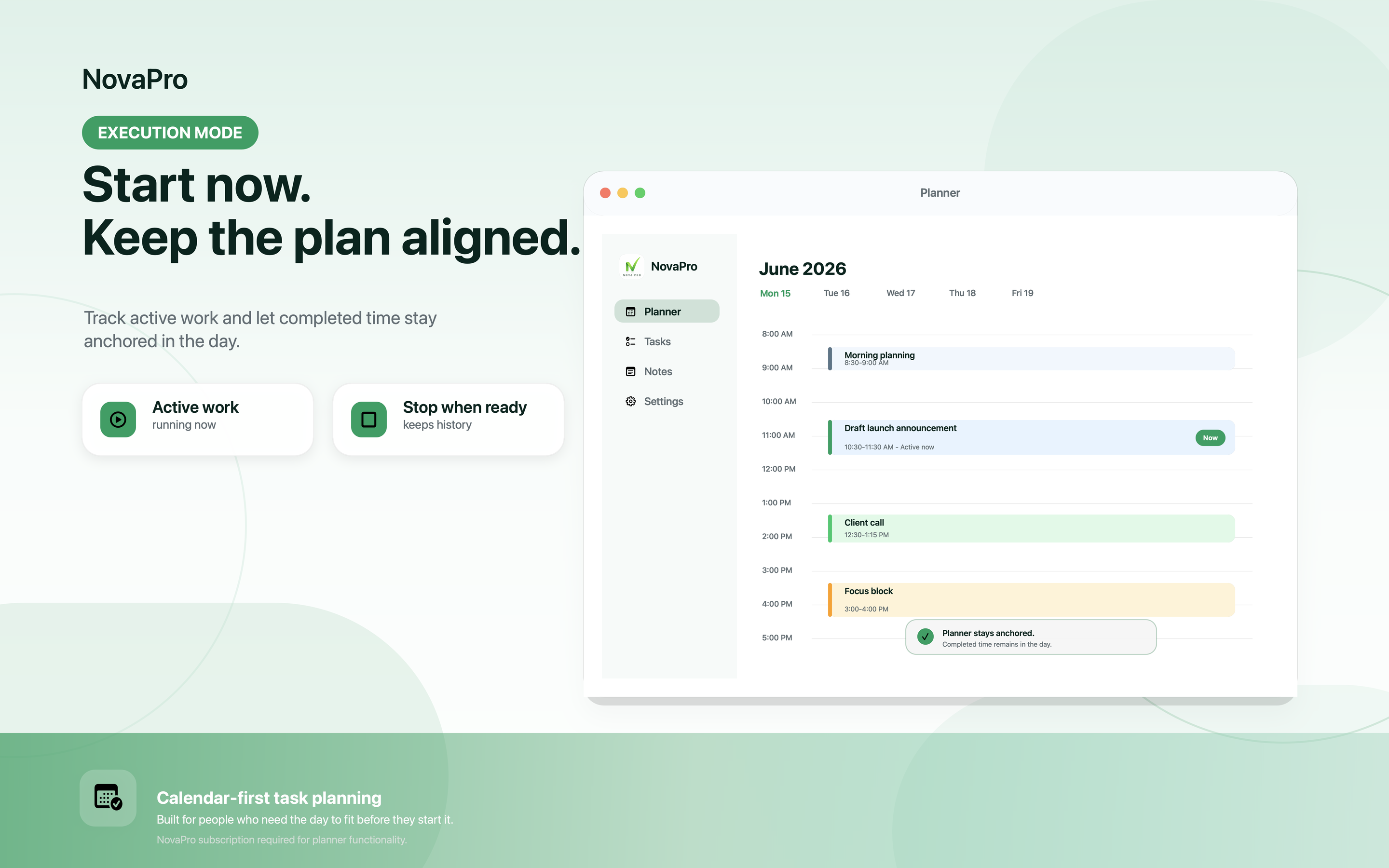
macOS gives the plan room to breathe. iOS keeps the same decisions close when you leave the desk. The calendar-first model stays consistent across both.
Why it feels different
Plan work with duration, priority, deadlines, recurrence, and named weekly schedules.
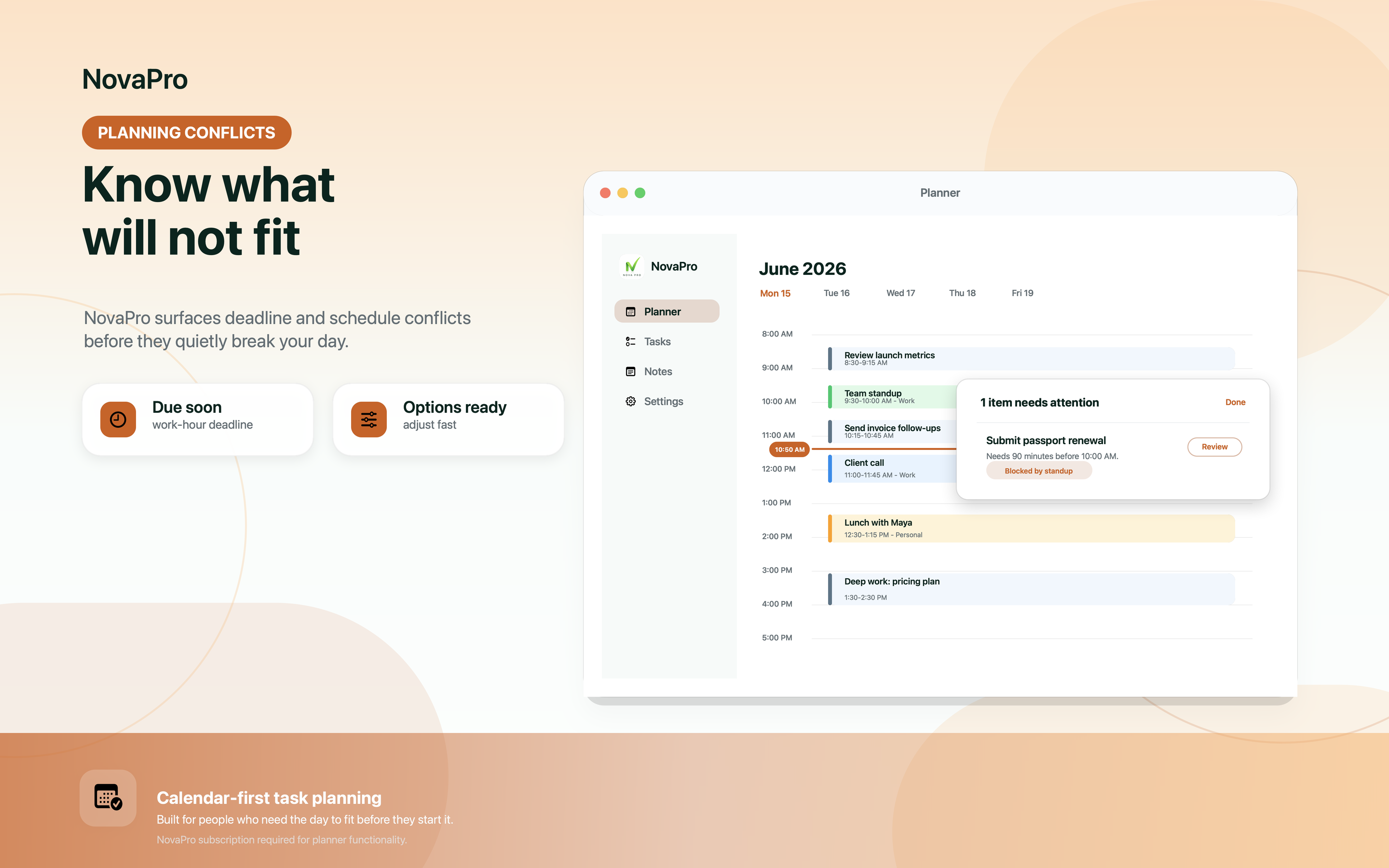
NovaPro overlays Apple Calendar events and avoids pretending busy time is open time.
When work cannot fit, Planning Conflicts keeps the issue visible until you adjust it.
Your planning data uses Apple platform storage and can sync through your private iCloud account.
How NovaPro plans
NovaPro is built around a simple planning loop: capture the real constraints, let the planner place work into open time, then resolve anything the day cannot honestly hold.
Add tasks with duration, priority, recurrence, schedules, and deadlines.
NovaPro plans around the calendar events already on your device.
Planning Conflicts keeps pressure visible instead of hiding it.
Why trust NovaPro
NovaPro is focused on the daily planning job: helping you decide when work can happen without turning your task list into a social feed, analytics dashboard, or team system.
SwiftData-backed app data can sync through your private iCloud account.
Planner access is handled through App Store subscriptions and your Apple Account.
The current app release does not collect task titles, calendar notes, ads data, or tracking identifiers.
Respectful by default
NovaPro keeps the product architecture simple: Apple Calendar context stays on device, app data can sync through private iCloud, and subscriptions are handled by the App Store.
Tasks, schedules, notes, settings, and planning state use Apple platform storage. No NovaPro analytics backend is required for the current release.
Simple subscription
NovaPro uses App Store subscriptions to unlock planner functionality. Purchases, renewals, cancellation, and restore purchases are handled through your Apple Account.
NovaPro Monthly
$2.99 / month
Introductory monthly access to NovaPro calendar planning with a 7-day free trial.
Start monthly trialNovaPro Annual
$24.99 / year
Introductory annual access to NovaPro calendar planning with a 7-day free trial.
Start annual trialPrices shown in USD. App Store pricing and availability may vary by country or region.
Questions people ask before installing
NovaPro is built for people who want a realistic calendar task planner, not another infinite inbox for work they may never have time to finish.
NovaPro is a calendar-first task planner for iOS and macOS. It helps schedule tasks, deadlines, recurring work, and routines around the calendar events already on your Apple devices.
NovaPro is designed around calendar-aware planning on Apple devices, so busy calendar time is treated as real time instead of ignored time.
NovaPro focuses on private Apple platform storage. App data can sync through your private iCloud account, and planner access is handled through App Store subscriptions.
NovaPro offers monthly and annual App Store subscriptions, currently shown with introductory pricing at $2.99 per month or $24.99 per year in USD, with a 7-day free trial. Pricing may vary by country or region.
Yes. NovaPro is available for iOS and macOS through the App Store.
Available for iOS and macOS
Start a 7-day free trial and see your tasks, calendar events, recurring work, and deadlines in one realistic day timeline.